Menus and price listsIllustrative example
01
Menus and price lists
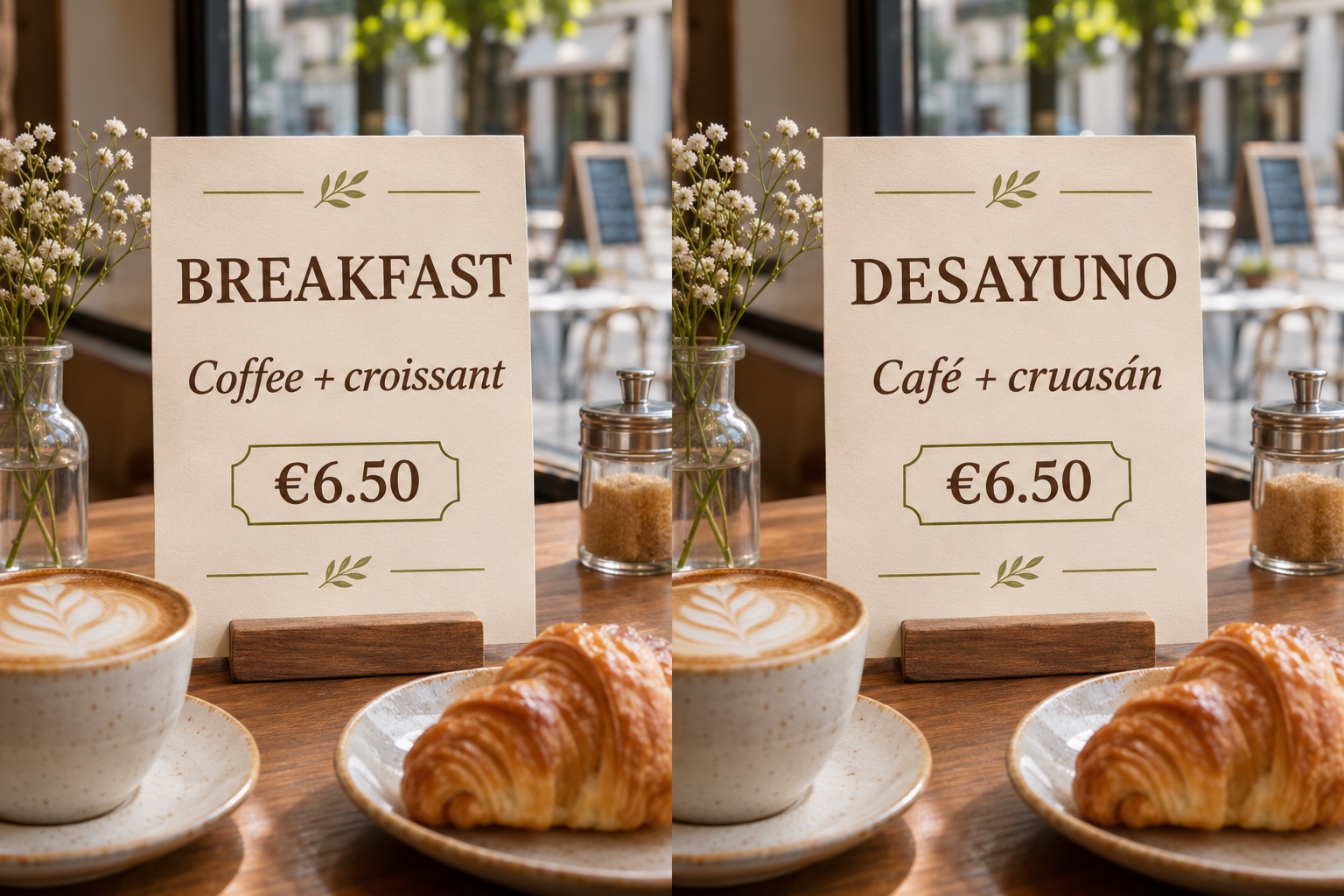
Turn a printed menu into another language without losing the type and layout, prices included.
Try it on your image ChangeTextImage
Upload a picture to preview it here. Choose a language and let AI translate the text.
Upload your image, choose a target language and translate in one click. AI detects the source language and translates readable text directly in the picture, matching the original layout, lettering and background as closely as possible. Preview the result and download your translated image.
Drop in a JPG, PNG or static WEBP up to 10 MB / 20 MP. Phone photos, screenshots and exported design files all work.
Select the language you want the image translated into. AI detects the source language automatically, so there is no need to type or copy the original text.
Click Translate image to translate the readable text in your picture. Review the wording and layout, then download the finished PNG.
Drag each slider to compare the translated wording and the original design.
Turn a printed menu into another language without losing the type and layout, prices included.
Try it on your image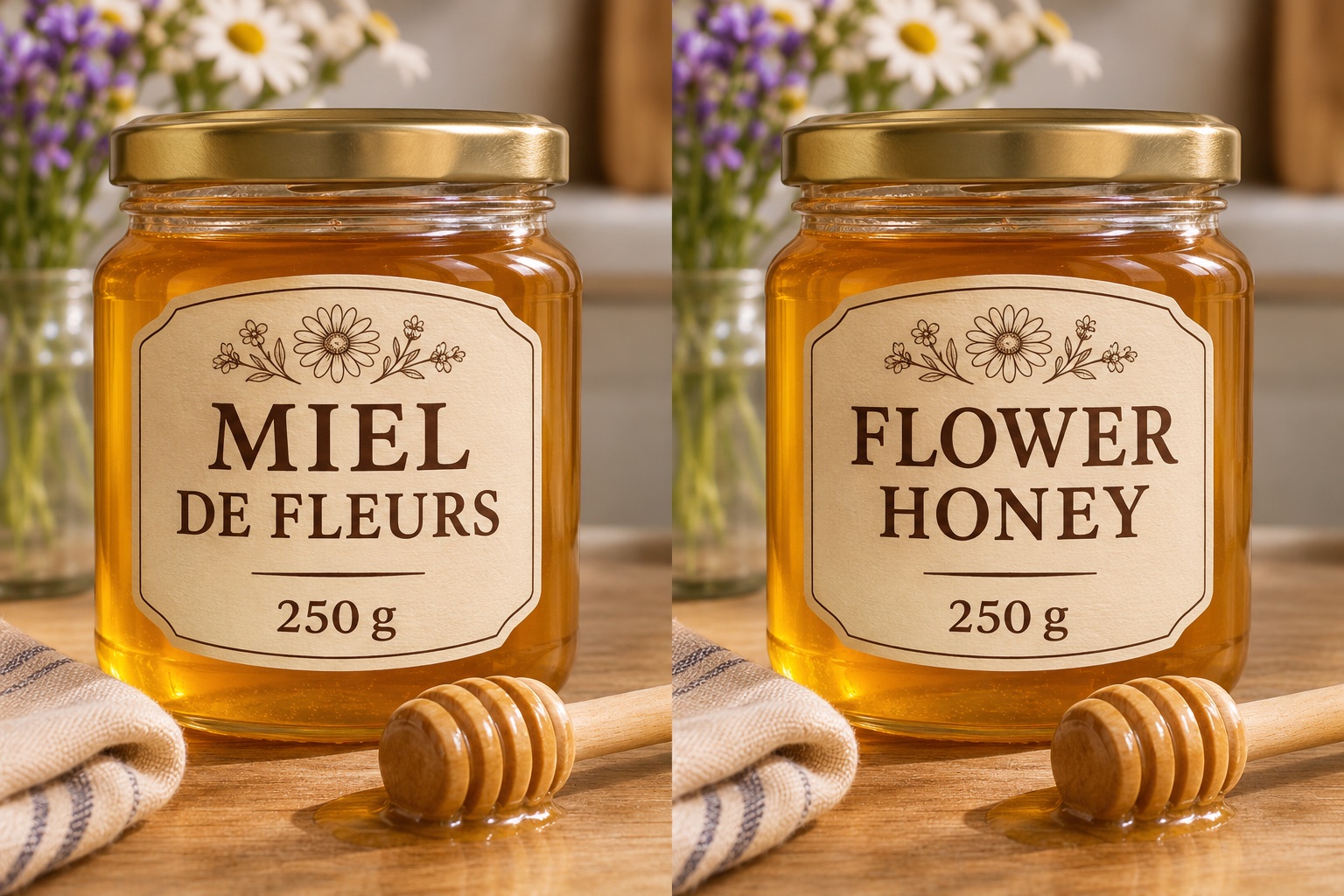
Take the same pack shot into a new market; only the wording changes, not the shelf look.
Try it on your image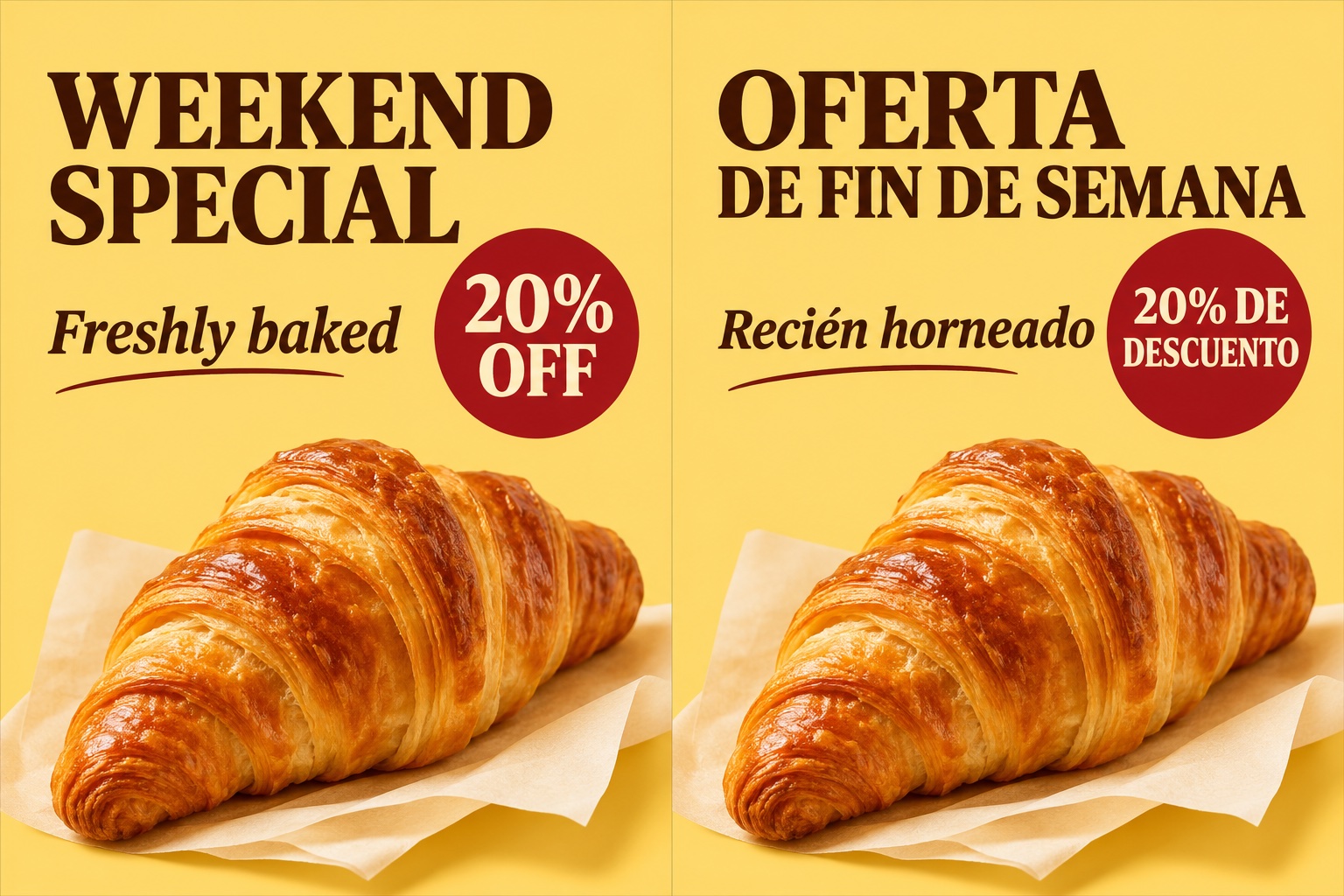
Translate a headline or an offer line and keep the composition, so a campaign can run in two languages from one design.
Try it on your image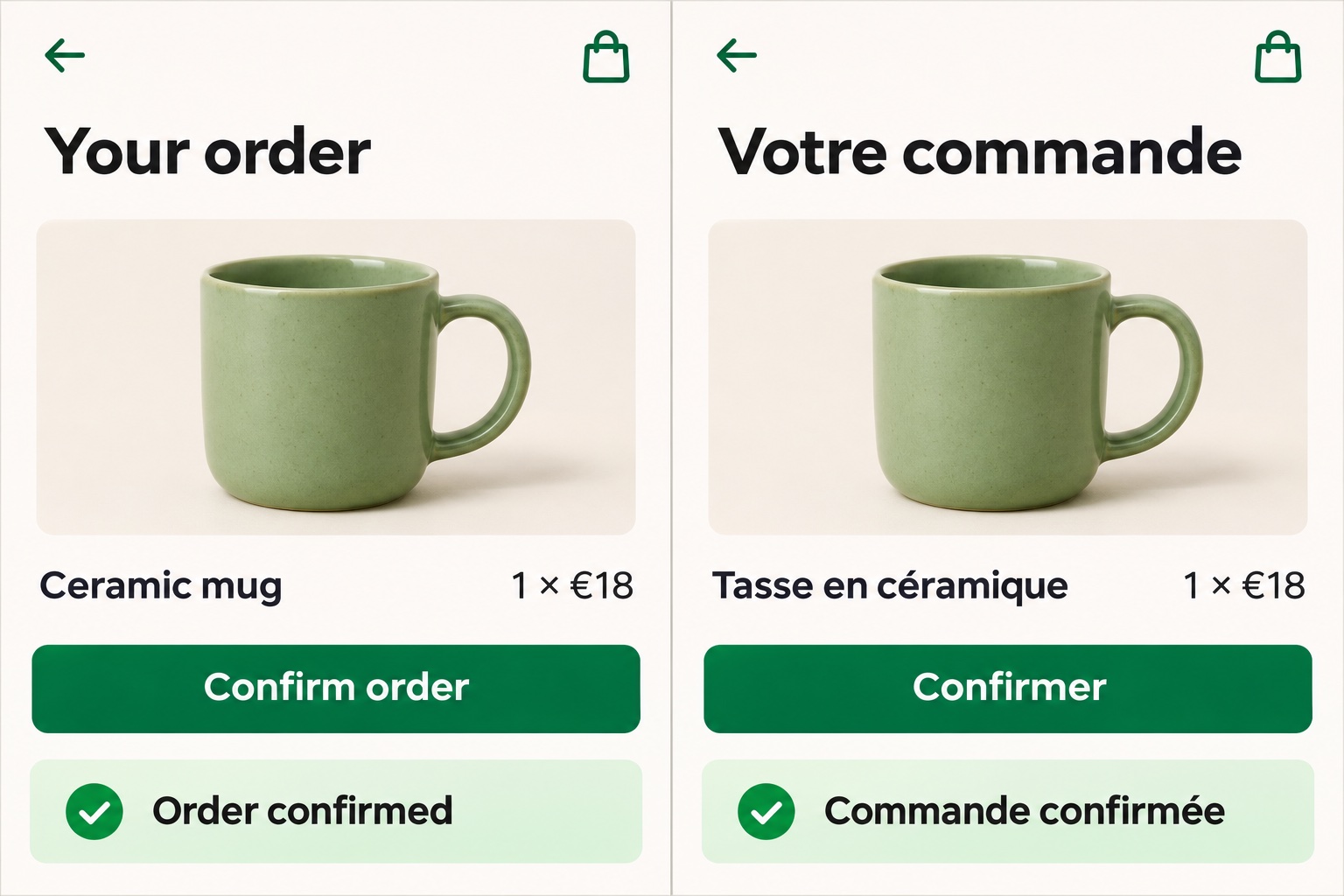
Swap a button label, a tooltip or a message in a screenshot to preview a localized interface.
Try it on your image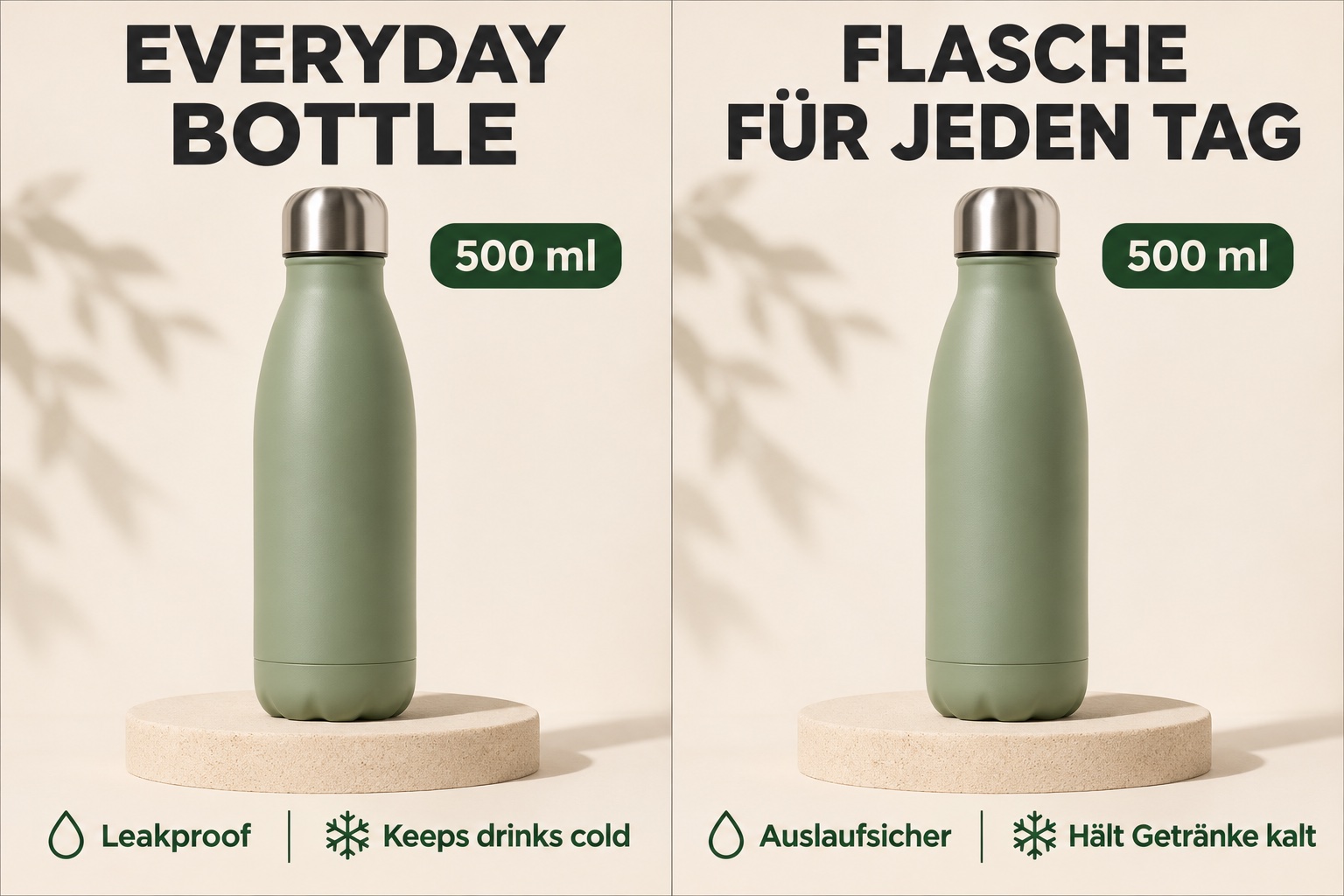
Localize listing photos for a Spanish, German or Japanese storefront without a reshoot.
Try it on your image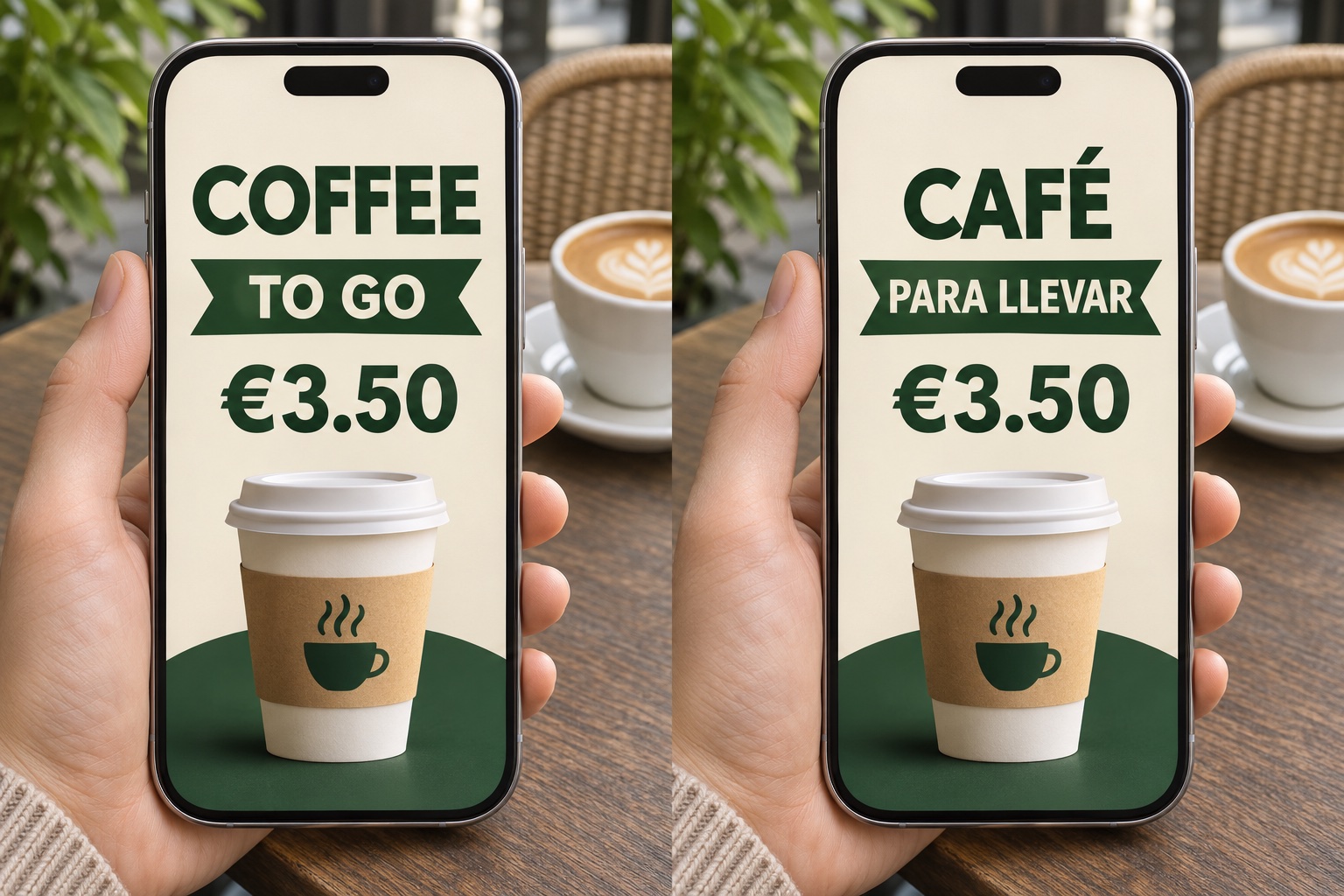
Upload a picture from your camera roll, choose a target language and tap Translate image. Preview and download the finished picture in your mobile browser — no app to install.
Try it on your imageMost translation tools give you back plain text, and you end up retyping it into a layout that no longer matches — the wrong font, the wrong size, a flat patch where the original words were. Here the translation goes back into the same spot of the same image. The AI matches the typeface, weight, colour and spacing, and repairs whatever sat behind the old letters — wood, fabric, gradients, a blurred background. You finish with a picture that still looks like the original design.
Two different jobs hide behind the same search, so it is worth being clear about which one this page is for.
If you only need to read what the image says — a street sign, a screenshot, a page of a foreign menu — a translator app or your phone camera reads it faster, and you don't need this page for that.
If the words have to come back in another language while the image stays the same — the menu you are going to print, the product photo for a new market, the same poster with a Spanish headline — that is the job this page does.
AI handles both the translation and the image editing. Choose a target language and it translates readable text throughout the image. Review the result before use: small, blurry or stylized lettering may be misread, and long translations may need layout adjustments.
Choose from English, Simplified or Traditional Chinese, Japanese, Korean, Spanish, French, German, Portuguese, Italian, Russian, Arabic, Hindi, Thai and Vietnamese. Clear, printed text produces the best results.
The source language is detected automatically. Translations can take more space than the original wording, so AI may adjust line breaks and text size to fit. Check dense paragraphs and small labels carefully.
| What you need | Translator app or phone camera | This editor |
|---|---|---|
| Read foreign text quickly | The right tool | Not the job here |
| Translated words back inside the image | Plain text only | Words go back into the original layout |
| Keep the exact font, colour and design | Rebuild it by hand | Matched automatically |
Choose this editor when you need a downloadable translated image with the wording placed back into the design. Review the translation before publishing or printing.
Upload a JPG, PNG or static WEBP, select your target language and click Translate image. AI detects the source language, translates readable text and places it back into the image. Review the result, then download the PNG.
Yes. AI detects the source language and translates readable text into your selected language. You do not need to type the original text or paste a translation. Always review the result for accuracy.
AI aims to preserve the original layout, lettering, colours and background while translating the words. Exact typography and spacing can vary, especially with longer translations or a different script.
AI may adjust line breaks and font size to fit the translation into the original text area. Dense text can be harder to fit, so review the wording, spacing and readability before using the image.
The language picker includes English, Simplified and Traditional Chinese, Japanese, Korean, Spanish, French, German, Portuguese, Italian, Russian, Arabic, Hindi, Thai and Vietnamese. Clear printed text gives the best results.
Handwritten and very decorative lettering is unreliable. Clearly printed text, screenshots and product labels give the best results.
Yes — the whole process works in a mobile browser and there is no app to install.
You get one free generation to try it. After that it is a one-time credit pack, no subscription — see pricing.